




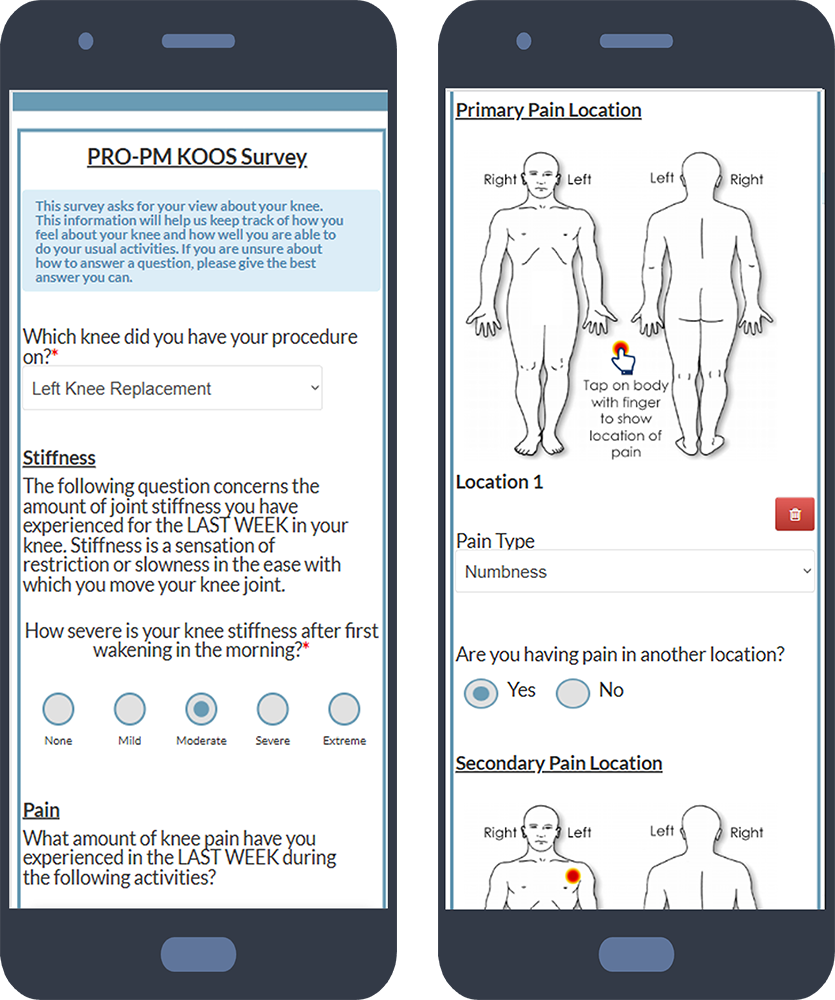




Need help creating a patient intake form? Here are 14 templates you can use to quickly create an effective form that collects only the necessary information.
- What is front office automation for physician groups?
Front office automation helps physician groups digitize and streamline patient-facing and administrative workflows such as intake, forms, screenings, appointment reminders, patient communication, scheduling, and payments. This reduces manual work, improves staff productivity, and creates a better patient experience.
- Can Simple Interact support multiple specialties, providers, and locations?
Yes. Simple Interact is highly configurable and can support different workflows across specialties, providers, and locations while bringing them together on one platform.
- How does Simple Interact integrate with our EHR?Simple Interact integrates with leading EHR systems to securely exchange patient information and automate workflows. Integration capabilities vary by EHR, but the goal is to reduce duplicate data entry and keep front-office processes connected with existing clinical systems.
- Can physician group workflows be customized?
Yes. Simple Interact can configure workflows around a practice's specific needs, including MIPS quality measures, outcome screeners, HPI documentation, Workers' Comp forms, imaging acknowledgments, Good Faith Estimate notifications, pre-visit checklists, and other specialized processes.
- How long does implementation take?Implementation depends on the services selected, level of customization, and EHR integration. Simple Interact can use a phased rollout approach to begin delivering value while additional workflows are configured and introduced over time.
- Why choose Simple Interact over multiple point solutions?Simple Interact brings patient forms, engagement, texting, feedback, scheduling, and workflow automation together on one integrated platform. This helps reduce system fragmentation while giving organizations a highly configurable solution backed by a dedicated customer team.

